Most of the time the account wasn't hacked, it just got locked into a security block that can be unlocked by following the right steps.
You will remain on this site
You try to log into PayPal and a message appears: your account has been limited or blocked. It sends a chill down your spine, especially if you have a balance there or use the account to receive payments. Take a breath. Before you think you've lost your money, it's worth understanding why this happens. In most cases, there's a clear way to resolve it, and it starts within your own account. Here's a step-by-step guide, what to avoid, and how to prevent this from happening again.
Why does PayPal limit or block an account?
PayPal works with money, so the system is inherently suspicious. When something deviates from your usual usage pattern, it prefers to block the transaction first and ask questions later. It's annoying, but it's usually a safeguard in your favor, not a punishment.
The most common reasons are few and repeated. Unusual activity, such as a much larger amount than you usually spend or access from a different location and device. Pending verification, when you need to confirm your identity or the origin of incoming money. And disputes or complaints, when someone has opened a dispute about a purchase linked to your account. In any of these cases, the account doesn't disappear. It remains on hold until you resolve what the system requested.
The step-by-step guide to regaining access.
The golden rule is simple: resolve everything from within your account, never through a link received from an external source. Start by opening your browser and manually typing the PayPal address, without clicking on anything that came via email or message. Log in normally. If your account is limited, the dashboard itself usually displays a warning upon login explaining what's missing.
The right place to deal with this is the Resolution Center. It's located in your account menu and gathers everything that requires your action. There, PayPal usually lists the steps, one by one, with a button for you to start each request. This could be confirming a phone number, updating an address, explaining a transaction, or sending a document.
When they ask for documents, it's usually a photo ID and sometimes proof of address or the source of the money. Send legible photos, with the entire document in the image and the information matching the account registration. After sending, the review process begins. The timeframe varies, and PayPal usually states how many business days it may take. Avoid resending the same document multiple times, as this sometimes restarts the queue. Send it once, properly prepared, and track its progress through the Resolution Center.
What you absolutely should not do
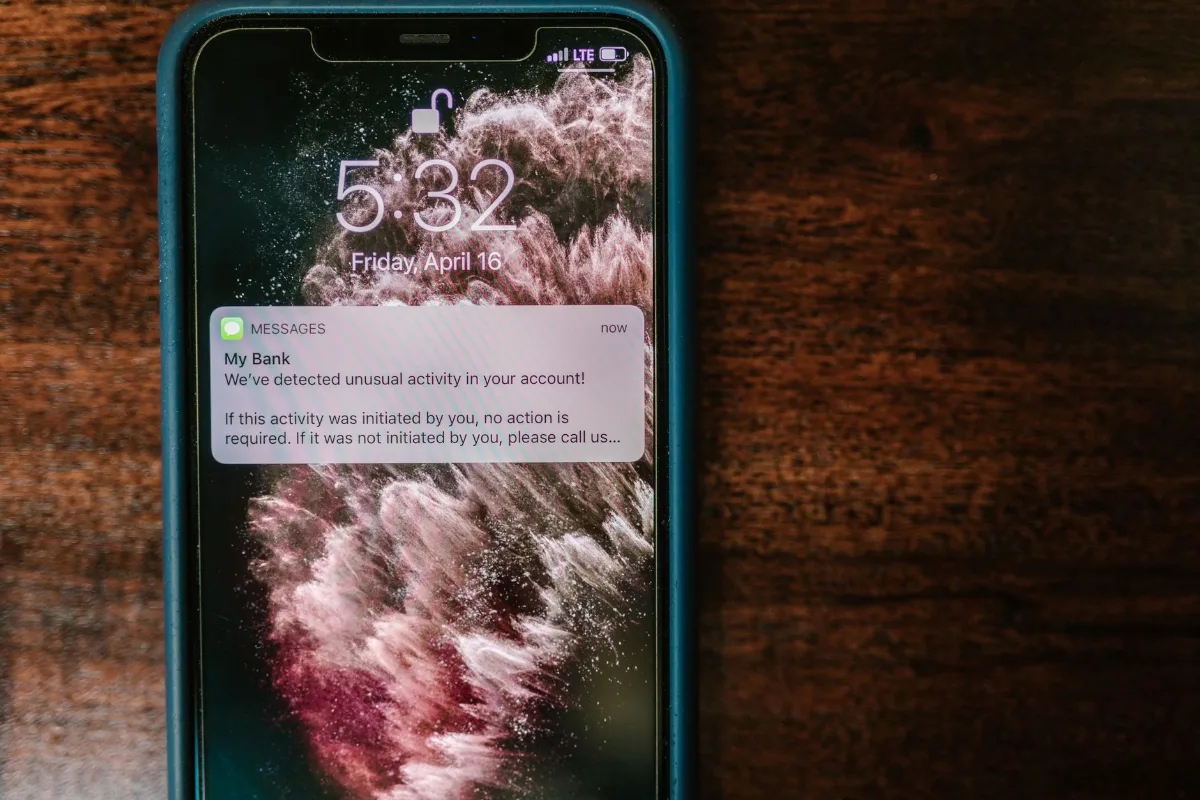
Scammers love having accounts blocked. It's the moment when the person is nervous and does what they're told without thinking. That's why the most important thing is to be careful with the link. Never click on that email or message saying "your account has been blocked, click here to reactivate". Even if the message looks like PayPal's, with the logo and the right tone, it could be fake and take you to a cloned page, made only to steal your password.
The defense is simple and always works: to access PayPal, manually type the website address into your browser's address bar. Don't use the link in the message, don't use sponsored search results, don't use the email button. If there is a real outstanding balance, it will appear there, in the Resolution Center. If nothing appears there, the message you received was a scam.
Another thing to note: no one from PayPal will call you asking for your password, the code you received via SMS, or your card details. The company doesn't need this information to manage your account. If someone asks for it, it's a scam, period. Hang up and resolve it yourself through the official website.
How to prevent it from happening again
Once your account is back to normal, you can significantly reduce the chance of another problem. The first step is to keep your information up to date. Having an updated phone number, email address, and physical address prevents the system from being suspicious due to outdated information and helps PayPal contact you when needed.
The second step is to enable two-step verification. With it activated, in addition to your password, access requires a second code, which arrives on your cell phone or in an authenticator app. This way, even if someone discovers your password, they can't access your account without your device. It's an extra layer of security that makes a big difference in an account that handles money.
Your password is the front door to your account.
Let's be frank about a point that almost no one addresses: a large portion of hacked accounts don't fall due to PayPal flaws, but rather weak or repeated passwords. If you use the same PayPal password on other websites, all it takes is for one of those sites to leak your password for it to circulate. Then the hacker tests that email and password combination on PayPal and, if it matches, gains access effortlessly.
That's why the financial account requires a long, unique password that isn't repeated anywhere. The problem is human: nobody remembers a different and complicated password for each service. That's where a password manager comes in, a vault that creates strong passwords for you, stores them all encrypted, and fills them in at login. You only need to remember one master password, and the rest is protected. For those who have already experienced the stress of having their PayPal account locked, this is the layer that prevents the next scare. If you want to understand how it works in practice, the button below will take you to our analysis.
You will remain on this site
FAQ
Is a limited account the same as a blocked account?
Not exactly. Limited means that some actions are blocked until you resolve an issue, but you can still access them. Blocked is a stronger restriction. In both cases, the process starts the same way: log into your account through the official website and open the Resolution Center.
Will my balance be frozen while the account is limited?
Generally, the money remains in the account; it just cannot be accessed while the restriction is active. Once you comply with PayPal's request and the review is complete, access usually returns to normal. Track the progress through the Resolution Center.
I received an email saying my account has been blocked. Is that true?
This could be a scam. Don't click the link in the email. Open your browser and type in your PayPal address yourself. If there's a real pending transaction, it will appear in your account. If nothing appears there, the message was fake.
How long does it take to be released after I send the documents?
The timeframe varies depending on the case, and PayPal itself usually indicates how many business days the review may take. Send legible documents all at once and avoid resending them, as resending sometimes delays the queue. Then, follow up through the Resolution Center.
How can I reduce the chance of my account getting locked again?
Keep your registration information up to date, enable two-step verification, and use a strong, unique password for PayPal that isn't repeated on other websites. A password manager can help you create and save this password without having to memorize it.
Seeing your PayPal account locked is alarming, but it's rarely the end of the line. Log in through the official website, follow the instructions in the Resolution Center, be patient with the review process, and be wary of any links from external sources. Once that's resolved, strengthen your password and enable two-step verification for peace of mind next time.
Sources consulted: PayPal Help Center and Resolutions (paypal.com) and CERT.br Security Guide (cartilha.cert.br).