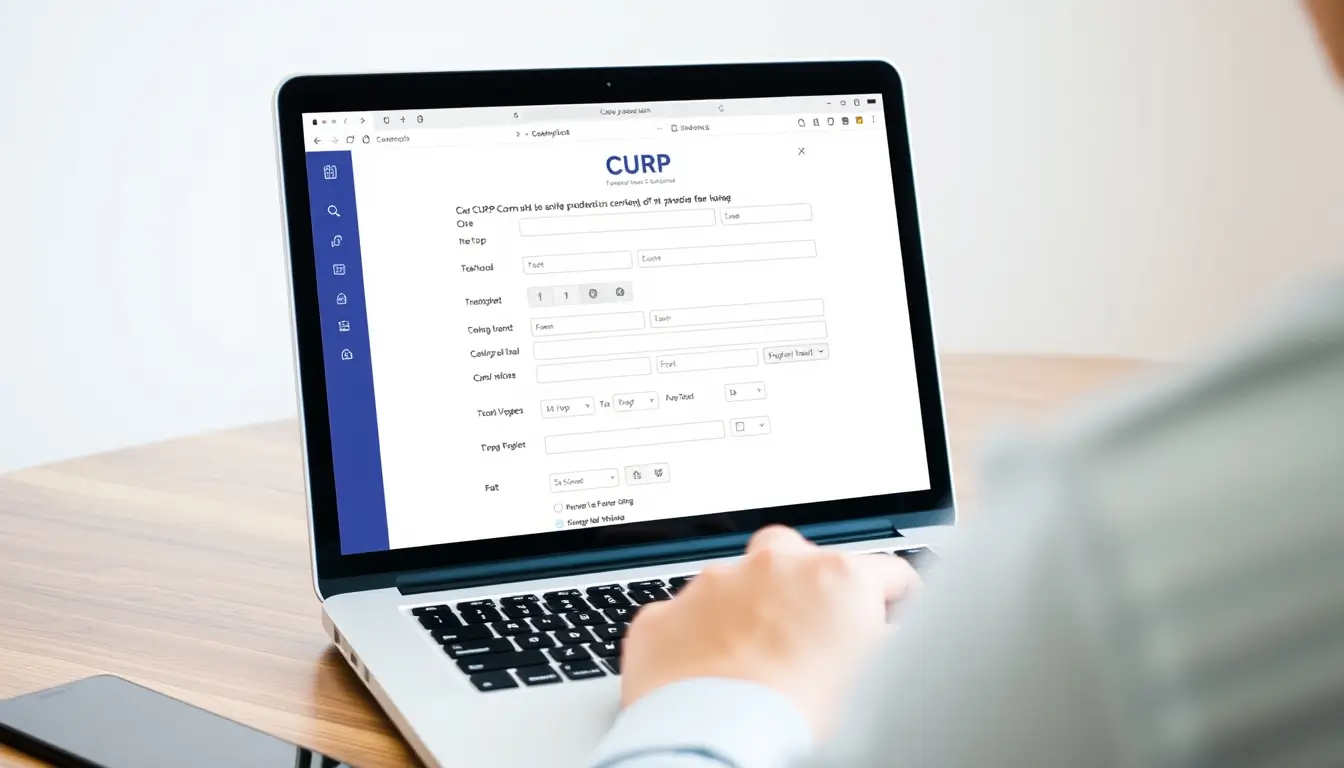
Printing the Federal Taxpayer Registry (RFC) using the Unique Population Registry Key (CURP) is an essential process that facilitates multiple procedures in daily life. Thanks to technology, you can now carry out this procedure quickly and easily, either online or in person. In this article, we will show you how to do it, the necessary requirements and the benefits of having your RFC printed.
Key Points
- The RFC is required to carry out legal and financial procedures in Mexico.
- You can print your RFC online through the SAT portal.
- There are also mobile apps that make it easier to obtain the RFC.
- It is important to have your data updated to avoid problems.
- Printing the RFC with CURP helps you comply with your tax obligations.
How to Print RFC with CURP on the SAT Portal
Printing your RFC using your CURP is a simple process that you can do from the comfort of your home. Below, we explain the steps to follow to do it through the SAT portal.
Access to the SAT Portal
- Open your internet browser and go to the official SAT website.
- Look for the “Procedures” section on the main page.
- Select the option to print the RFC with CURP.
Navigation in the Procedures Section
- Once inside the procedures section, you will find several options available.
- Make sure you choose the correct option to avoid confusion.
- If you have any questions, you can consult the help section of the portal.
RFC Generation and Printing
- Enter your CURP in the corresponding field.
- Follow the instructions that appear on the screen.
- Once the system generates your RFC, you can print it directly from your computer.
Remember that having your RFC on hand is essential for carrying out various legal and tax procedures. Make sure that all your data is correct before printing.
Necessary Requirements for Printing RFC with CURP
Necessary documents
To be able to print your RFC using your CURP, it is essential to have certain documents. Make sure you have the following on hand:
- CURP (Unique Population Registration Key)
- Official identification (such as INE or passport)
Personal Data Required
In addition to the documents, you will need to provide some personal data. These are:
- Full name
- Date of birth
- Address
internet connection
It's important to have a good internet connection to access the SAT portal without interruptions. This will allow you to complete the process more quickly and efficiently.
Remember: Having all documents and data ready before starting the process can save time and avoid inconveniences.
Benefits of Printing RFC with CURP Online
Comfort and Accessibility
Printing your RFC with CURP online is very convenient . You can do it from anywhere, at any time, meaning you don't need to travel to an office. This is especially useful if you have a busy schedule or live far from SAT offices.
Process Speed
The online process is generally fast . Once you enter your CURP, the system generates your RFC in a matter of minutes. This saves time and avoids long waits.
Data Security
When using the official SAT portal, your data is protected. The website has security measures that ensure that your personal information is safe. In addition, you can print your RFC directly from your home, which reduces the risk of losing documents.
Printing your RFC with CURP online is not just a procedure, but a way to make your daily life easier and keep your documents in order.
In summary, printing your RFC with CURP online offers:
- Comfort: Complete the process from anywhere.
- Speed: Get your RFC in minutes.
- Safety: Protect your personal information.
Print RFC with CURP Through a Mobile App
A modern and practical option for obtaining your RFC is through an official mobile application. This allows users to complete the process from their phones, which is very convenient.
Application Download
- Search for the official SAT app in your app store.
- Download and install it on your device.
Registration and Login
- Open the app and register with your personal details.
- If you already have an account, simply log in.
Document Generation and Printing
- Select the option to print the RFC with CURP.
- Follow the on-screen instructions to generate the document.
- If your device is connected to a printer, you can print directly.
Printing your RFC from a mobile app is quick and easy.
Benefits
- Comfort: You can carry out the procedure from anywhere.
- Ease of Use: Apps are often intuitive and easy to navigate.
- Integration: Some apps allow you to use your camera to scan documents if needed.
Technology has made printing RFC with CURP more accessible than ever, making life easier for users.
In-Person Options for Printing RFC with CURP
Visit to SAT Offices
If you prefer a more traditional approach, you can print your RFC with CURP in person at SAT offices. This method allows you to receive direct assistance from an employee. To do so, follow these steps:
- Locate the SAT office closest to your location.
- Bring an official ID and your CURP with you.
- Ask reception to print your RFC.
- Follow the staff instructions and wait until the document is generated.
- Check that all printed data is correct.
Required Documentation
To carry out this procedure, make sure you have the following documents:
- Official identification (INE, passport, etc.)
- curp
Staff Assistance
SAT staff are available to help you with any questions or concerns you may have during the process. This is especially helpful if you are unfamiliar with the procedures or need clarification on your tax information.
Printing your RFC with CURP in person may be a more reliable option for those who prefer face-to-face service and want to ensure that their information is correct.
How to Get RFC with QR Code
QR Code Generation
Obtaining your RFC via a QR code is a quick and simple process . You just need to follow these steps:
- Enter your personal data and your CURP on the SAT portal.
- Click “Generate RFC”.
- Within seconds, you will receive your RFC along with a QR code.
RFC Scanning and Access
Once you have the QR code, you can scan it with your mobile device. This will allow you to access your tax information immediately. The code contains data such as your name, tax status and more, thus facilitating your procedures.
Advantages of QR Code
- Agile: Forget about long and complicated procedures.
- Safety: Minimizes the risk of errors in data capture.
- Comfort: Access your RFC from anywhere with just one scan.
The use of QR codes has transformed the way we obtain tax information, making the process more accessible and efficient.
Importance of Printing RFC with CURP
Printing the RFC with the CURP is fundamental in the daily lives of citizens. This process is not only a legal requirement, but also facilitates various everyday activities.
Compliance with Tax Obligations
- It is necessary to comply with tax obligations and avoid sanctions.
- Allows you to make tax declarations correctly.
Facilitation of Legal Procedures
- It is essential for opening bank accounts and applying for credit.
- It is required for employment recruitment and tax calculation.
Data Security and Update
- Keeping the RFC and CURP up to date helps protect personal information.
- Facilitates access to health and education services.
Printing the RFC with CURP is more than just a simple procedure; it is a step towards better organization and compliance with current regulations. By having these documents ready, you save time and effort in future procedures.
Tips for a Successful Printing Process

Data Verification
Before starting the process, make sure all your information is correct. Reviewing your CURP and other personal data is essential to avoid errors in the RFC.
Using Compatible Browsers
Use updated browsers that are compatible with the SAT portal. This can help the process to be more fluid and avoid technical issues.
Troubleshooting Common Problems
If you encounter difficulties, here are some steps you can follow:
- Check your internet connection.
- Make sure the SAT website is working properly.
- If the problem persists, try restarting your device.
Keeping your data up to date and verifying information before printing can save you time and effort in the future.
Protecting Personal Information When Printing RFC with CURP

Online Security Measures
It is essential to protect your personal information when printing your RFC with CURP. Be sure to use official and secure websites. Here are some steps you can take:
- Make sure the URL starts with “https://”.
- Do not share your CURP or RFC on social media or unsecured platforms.
- Use strong and unique passwords for your accounts.
Physical Document Protection
Once you print your RFC, it is important to take care of the physical document. Here are some tips:
- Keep the document in a safe place, such as a folder or box.
- Do not leave your RFC in view of unauthorized persons.
- If you need to share it, make sure you do so securely.
Regular Data Update
Keeping your data up to date is key to security. Consider the following:
- Review your personal information at least once a year.
- If you change your address or marital status, update your CURP and RFC.
- Stay informed about any changes to SAT security policies.
Protecting your personal information is essential to prevent fraud and keep your identity safe. Always exercise caution when handling your data.
Common Situations That Require Printing RFCs with CURP
Opening Bank Accounts
Printing the RFC with CURP is essential for opening a bank account. Banks require this document to verify your identity and comply with regulations. Without the RFC, you will not be able to access financial services.
Credit Requests
When you apply for a loan, whether personal or mortgage, the RFC with CURP is a requirement. This document helps financial institutions assess your credit history and your ability to pay.
Labor Procedures
To formalize a job, many companies ask for the RFC with CURP. This ensures that you are registered with the SAT and that your taxes are managed correctly. Without this document, you may face problems when being hired.
It is important to always keep your RFC with CURP up to date, as this makes many procedures in your daily life easier.
In short, the RFC with CURP is a key document in many everyday situations. Having it on hand will help you avoid setbacks in important processes.
How to Print RFC with CURP without Password
Process in SAT Offices
If you don't have your password, you can still obtain your RFC. Simply go to a SAT office . It's important that you bring a valid official identification document with you. Additionally, you should schedule a prior appointment to make the process faster and more organized.
Alternative Documentation
To carry out this procedure, make sure you have:
- Official identification (INE, passport, etc.)
- curp
Appointment Scheduling
You can schedule your appointment through the SAT portal. It is recommended to do so in advance to avoid long waits. Remember that this step is essential to be able to be seen and obtain your RFC without a password.
Conclusion
Finally, printing the RFC with the CURP is a fundamental step that everyone should consider. It is not only a procedure that helps to comply with the law, but it also facilitates many daily activities, such as opening bank accounts or accessing health services. Having this document in order demonstrates responsibility and organization. In addition, by keeping your RFC and CURP updated, you save time and avoid problems in the future. Therefore, it is recommended that everyone learn how to carry out this process quickly and easily, ensuring that your information is always ready for any procedure that may be required.
FAQ
What is the RFC and what is it for?
The RFC, or Federal Taxpayer Registry, is a code that identifies individuals and companies in Mexico for tax purposes. It is required to carry out procedures such as opening bank accounts or filing taxes.
How can I print my RFC using my CURP?
To print your RFC with your CURP, you must access the SAT portal, select the corresponding option and follow the instructions to generate and print the document.
What documents do I need to print the RFC?
You just need your CURP and, if you do it in person, an official ID.
Is it safe to print the RFC online?
Yes, as long as you use the official SAT website, as it has security measures to protect your data.
Can I print my RFC from a mobile phone?
Yes, you can use official SAT mobile apps to generate and print your RFC from your device.
What should I do if I don't have my password to access the SAT?
If you do not have your password, you can go to a SAT office with your ID and CURP for assistance.
What are the benefits of printing the RFC online?
Printing the RFC online is quick, convenient and allows you to avoid queues at the SAT offices.
What do I do if I have problems printing my RFC?
If you face any issues, please check your details and make sure you are using a supported browser. You can also contact SAT support.