Prepare your business account.
Open an account
Gather the legal name, email, phone number, address, and business information. The Mexican business registration page mentions a company description, registration number, and bank details. Answer according to your actual situation and the fields provided: do not invent a registration number or a registered company if it is not your case.
- Open PayPal Business Mexico and select Open account.
- Create an account using an email address that you control and a unique password. Confirm that the market is Mexico.
- Please fill in the requested personal, business, and representation details. Use names that match the documents and the bank account holder.
- Read the terms and conditions, complete the form, and confirm your email. If you need to resend the confirmation, find it in Settings.
- Review the notifications within your account and only submit the requested additional information there. Registering and verifying are different tasks.
Estimate the commission and the net value.
Select the operation you actually intend to use. Estimate, no confirmation of receipt or balance availability.
Check all values and choices. Enter positive values without thousands separators; costs cannot exceed payment.
Estimated result
- Gross payment amount
- Percentage applied
- Percentage commission
- Fixed fee per transaction
- Commission before taxes
- VAT on commission
- Net before VAT
- Other known costs, in the currency received.
- Estimated net value after the stated costs.
- Conversion using the exchange rate provided.
VAT is pending. The amount before VAT does not represent the final net amount.
This does not include negotiated fees, other products, unknown costs, or sales taxes. The actual value is the one reported by PayPal in your transaction.
Official rates · Verified on November 3, 2026.
The controls for this tool operate on your device; they do not create an account or perform transactions.
Requirements, confirmations and help
When does a Business account make sense?
This account makes sense when you will primarily use PayPal to sell products or services and need to operate under a business name or with business-oriented products. Don't choose it simply because someone will send a payment: PayPal also supports occasional sales with a Personal account. The decision depends on the activity, with no guarantee of immediate availability.
Prepare the activity data.
The legal entity being represented must be incorporated in Mexico or have residence in the country, and you must be authorized to represent it. PayPal may request information from the representative and the ultimate beneficial owners. Before submitting documents, review your session request; an editorial listing does not replace PayPal's review nor guarantee acceptance of the activity.
How to start and complete registration.
On your mobile phone, you can use the website through your browser and follow the same steps. The business registration process isn't always identical across all apps; if you don't find the option, continue using the official mobile browser.
Simulate the cost before setting your price.
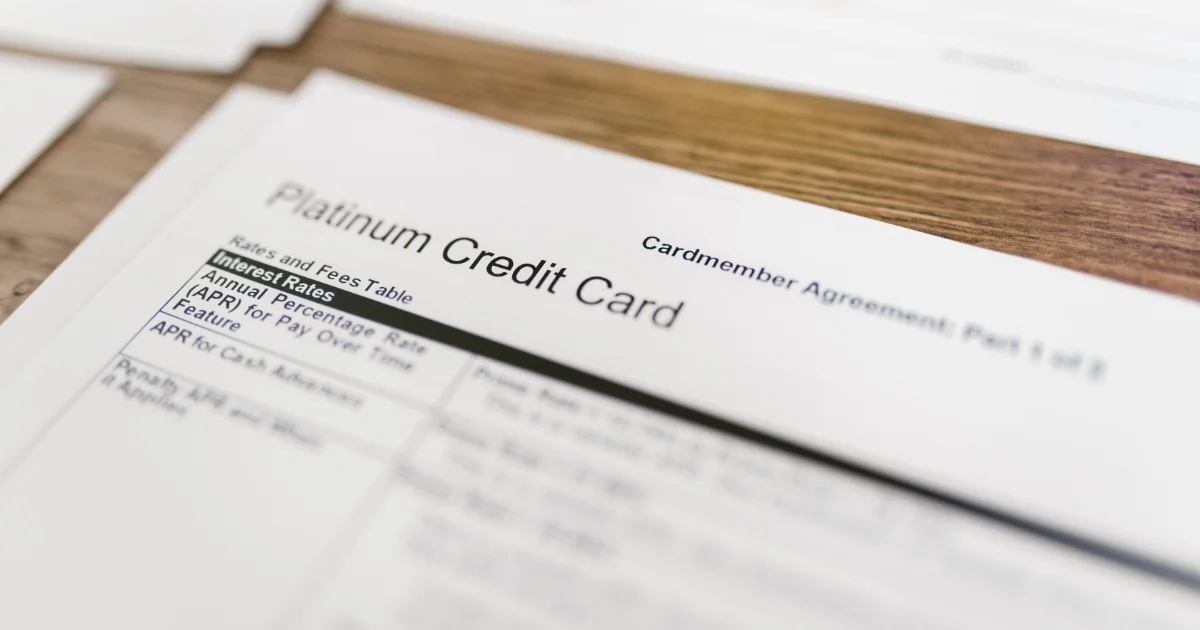
The Mexican fee schedule , updated on October 13, 2026, publishes a standard national fee of 3,95% plus a fixed charge. In MXN, the fixed charge is 4,00 MXN. For international receipts, it indicates an additional 0,50%. There are different approved modalities and fees; this scenario does not apply to all products.
The published values and percentages are subject to VAT. To estimate the net amount, separate the tariff and the VAT on that tariff. Do not assume that the published percentage already includes tax. Use an applicable VAT rate with your source; without confirmation, the result before VAT is incomplete. The tool does not calculate taxes on your sale.
Fictitious example: In a standard domestic receipt of 1.000 MXN, 39,50 MXN of percentage plus 4,00 MXN of fixed amount totals 43,50 MXN before VAT. This leaves 956,50 MXN before deducting VAT and any other applicable charges. This does not guarantee a bank deposit. If there is another currency, add the conversion only with the identified exchange rate, without inventing an exchange rate.
First steps to receiving and withdrawing money.
For an initial business payment, you can share the email address associated with the account and already confirmed in PayPal with the customer, as explained in the Mexican help guide for receiving payments . Agree on the amount, currency, and description of the sale; the customer must identify it as a business payment in the official available flow, without using personal transfer. This alternative does not require a ready-made store integration. Then, log directly into PayPal and check the payment received in Movimientos: a request, order, or capture sent by the customer does not prove receipt. Also check if the money is available or subject to hold.
Associate a valid destination. For a Mexican bank account, go to Cartera, select Asociar una cuenta bancaria, and enter the 18-digit CLABE of the correct account holder. Mexican aid requires a matching account holder; do not use a borrowed account as a makeshift solution.
Associate a withdrawal destination within 30 days of receiving your first payment. PayPal initiates automatic withdrawals daily. Without a valid and up-to-date destination, the ability to receive payments may be disabled.
The withdrawal destination can be an associated bank account or an account for the product described below.
PayPal Balance
This product is separate from your PayPal account balance. This product's account can be associated with your account as both a withdrawal destination and a payment method. Use only the options available in your account.
The balance in a Mexican PayPal account cannot be used directly for purchases.
Withholdings and conversions can affect the receipt of funds. A withdrawal initiated does not mean the bank has already received the money.
Please refer to the official withdrawal conditions in Mexico.
Before requesting the first payment
Check the amount, currency, description, delivery conditions, and pickup method. Keep evidence of the sale and verify the actual payment status before taking any action. If a hold appears, follow the account options; creating another request will not eliminate it. Separate the confirmed receipt, the estimated net amount, and the bank credit.
Independent informational guide. We are not PayPal.
Official PayPal channel
FAQ
Does the example price include VAT?
No. The example ends before VAT and does not represent the final net amount.
Does opening a business guarantee immediate withdrawal?
No. Checks, holds, currency, and destination processing can affect availability.
Official sources consulted
- Differences between Personal and Business Accounts
- Opening a Business Account in Mexico
- Official website of PayPal Empresas Mexico
- PayPal Mexico Terms of Use
- How to confirm your email
- How to link a Mexican bank account
- PayPal Mexico commercial fees
- How to check the status of a payment
- How to receive payments in Mexico
Please consult the applicable terms and conditions on the official channel before using the services.