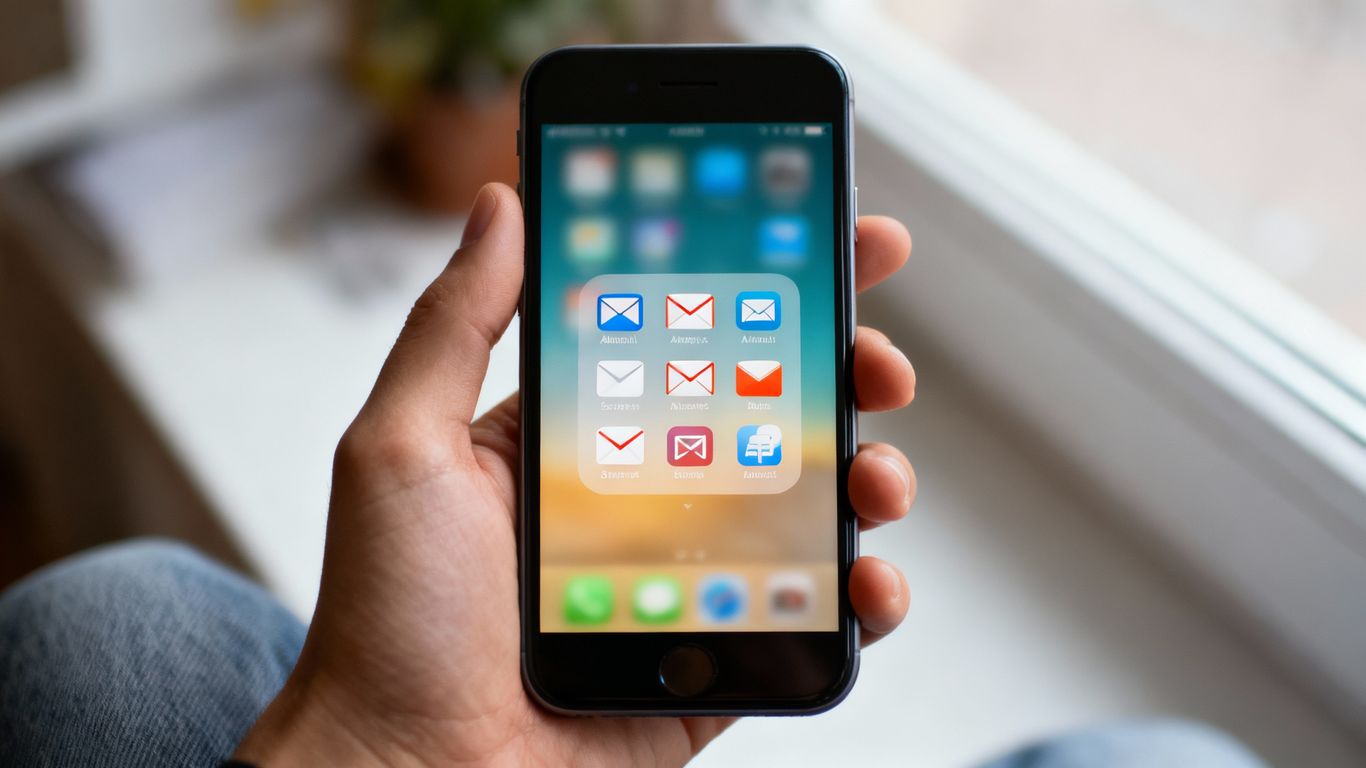
Compare Gmail, Outlook and Yahoo.
You will remain on this site
The three most used free services in Brazil
Gmail, Outlook, and Yahoo Mail offer free personal accounts that can be used on mobile phones and computers. Compare messaging, attachment, storage, and integration features before choosing.
Compare the provider with the devices and services you use. Gmail integrates Google services; Outlook integrates Microsoft services; and Yahoo Mail offers another option for messages and registrations.
Gmail: the most practical choice for Android users.
Gmail is Google's email service and, therefore, comes pre-linked to Android phones and the app store. Creating a Gmail account is, at the same time, creating a Google account, which can be used for the app store, maps, videos, and storing photos. For those setting up a new phone, it's the way to solve most things at once.
Besides being practical, Gmail has a good filter for unwanted messages and plenty of free storage. For most people in Brazil, it's the option that requires the least effort on a daily basis. If you're unsure and just want to get started right away, creating a Gmail account is usually the safest decision.
Outlook: ideal for those who use Windows and Office.
Outlook is Microsoft's email service and integrates very well with Windows and programs like Word and Excel. If you work a lot with documents, spreadsheets, and the Office suite, having an Outlook address keeps everything more connected, with your calendar and files all in one place.
Outlook can be convenient for those who use Microsoft services and access email via computer. Check the available features and account terms before choosing.
Yahoo: a simple alternative with plenty of space.
Yahoo Mail is one of the oldest email services and remains active and free. It usually offers plenty of storage space and a straightforward interface, without many frills. It's a good option for those who want an extra address, separate from their main one, to use for registrations, promotions, and purchases.
Having a separate email address for sign-ups and promotions can help keep messages organized. Consider whether Yahoo Mail meets your feature and storage needs.
How to decide in one minute
If you use Google services, consider Gmail. If you use Microsoft services, compare Outlook. Yahoo Mail can also handle sending messages and registrations. The choice depends on the features you need.
All three offer different features; compare them according to your needs, and there's nothing stopping you from having more than one, each for a different purpose. The important thing is not to postpone the decision: choose the one that best suits your daily routine and get started. Changing it or opening another one later is always possible.
Recommended next steps
After choosing a provider, it's worth considering what you'll be using the email for, because an address for resumes and registrations requires extra care with the name. Use the buttons to see how to create a more professional email and how to protect your account from the start.
You will remain on this site
FAQ
So, what's the best free email service?
There isn't one best option for everyone. For Android users, Gmail is the most practical. For Windows and Office users, Outlook integrates better. Yahoo is great as an additional address. The best one is the one that suits your needs.
Can I use Gmail even if I have an iPhone?
Yes, no problem. Gmail works on any mobile phone through the app or the browser. Gmail's strongest integration is with Android, but the service works very well for iPhone users as well.
Is it difficult to change email addresses later?
You don't need to delete anything to use another account. You can open a new account and migrate your registrations gradually. Therefore, there's no need to postpone the choice: start with one and adjust your path later, if you want.
Is it worth having more than one email address?
It can be helpful to keep one email address for work, banking, and important personal matters, and another for stores and promotions. This organization helps to separate messages according to their purpose.
Do any of these services charge a fee?
Creation and shared use are free on all three platforms. Paid plans with more storage and extra features are available, but they are optional. For most people, the free version is more than sufficient.
Choose a provider based on the devices, services, and features you use. Then, follow the official registration process and configure your security and recovery methods.
Sources consulted: Gmail Help Center (support.google.com) and Microsoft Support (support.microsoft.com).