The code didn't arrive?
You will remain on this site
Reset your password via email.
On the official login screen, select the "forgot password" option and choose an available method. If you receive a link or code by email, follow the instructions to set a new password. Also check your spam and promotions folders.
Try resetting a device you've previously used to log into your account. The app will recognize the device and tend to speed up the process. If the link takes a while to arrive, wait a few minutes before requesting another, as requesting multiple codes in a row may temporarily block delivery.
When the SMS code doesn't arrive
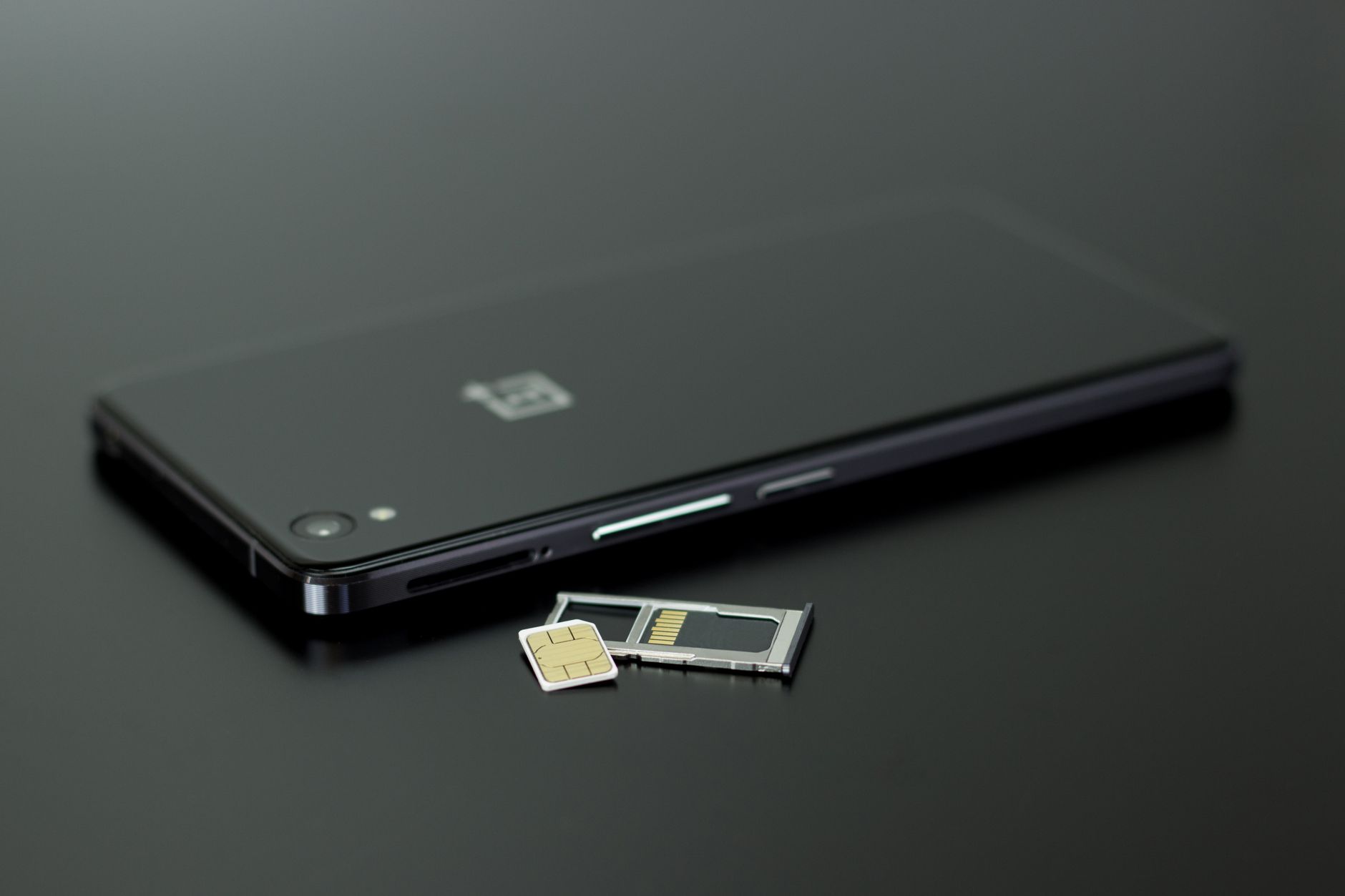
If you chose to recover the message by phone and the SMS doesn't appear, a few simple adjustments usually solve the problem. Check if the registered number is correct and has the right country code, check if there is a signal, and if the message box is not full. Restarting your phone and trying again also helps when the carrier is holding up the sending.
When none of that works, try a different method: go back and request recovery via email instead of SMS. A person can resolve this simply by changing the verification channel. If the problem is an old phone number that you no longer have access to, proceed to the section below about recovering without email and without a phone.
No access to email or phone.
Losing both accounts at the same time is more common than it seems, generally when the person changes their number and forgets to update their registration. In this case, use the TikTok support form to log in. On the login screen, look for the option to need more help, which opens a request where you describe the situation and provide your username.
Gather all the documents that prove the account is yours before submitting: your old email or phone number, the approximate creation date, and usage details. Support will evaluate all the information to confirm ownership. Make sure this first submission is thorough, as a well-completed request avoids back-and-forth communication and shortens the processing time.
You may have signed in with Google, Facebook, or Apple.
A person creates an account using “continue with Google”, “continue with Facebook” or “continue with Apple” and, months later, tries to log in with their email and password, without success. If this was your case, the account doesn't have its own password: access is through that linked service. Just tap the corresponding network button on the login screen.
Check which email address is associated with that linked account, because TikTok uses it to verify your identity. If you still have access to your Google, Facebook, or Apple account, logging back into TikTok is usually a matter of one tap, without needing to reset any passwords.
Upon logging in, update your recovery information.
After regaining access, spend five minutes preparing your account for the future. Confirm an email address you actually use, register a current phone number, and enable two-step verification. These three adjustments resolve most login blocks before they happen.
Recommended next steps
With the login issue resolved, it's worth fixing any problems that might be hindering access. Choose your next step below:
You will remain on this site
FAQ
The verification code hasn't arrived. What should I do?
Check the number and signal strength, restart your phone, and wait a few minutes. If it still doesn't work, change the method and request recovery via email instead of SMS.
Can I recover it without email and without the phone number?
Yes, through the login support form. Provide your username and old contact information; TikTok will review and grant access after confirming that the account belongs to you.
I forgot my password, but I created one with Google. What now?
In this case, the account doesn't have its own password. Tap "continue with Google" (or Facebook/Apple) on the login screen, and access will be granted through the linked account.
I requested several codes and the delivery was blocked. What should I do?
Yes. Requesting too many codes in a row triggers a temporary security block. Wait a few minutes before trying again.
How can I avoid going through this again?
Keep your registered email and phone number up to date, enable two-step verification, and save your password in a password manager so you don't have to remember it.
Most of the time, regaining access to TikTok is just a matter of choosing the right method: email, phone, linked account, or the support form. Take your time resolving the access issue and, before closing the app, update your recovery information. This will prevent you from having to repeat this entire process in the future.
Sources consulted: TikTok's official Help Center on login and password reset (support.tiktok.com) and CERT.br (cert.br).