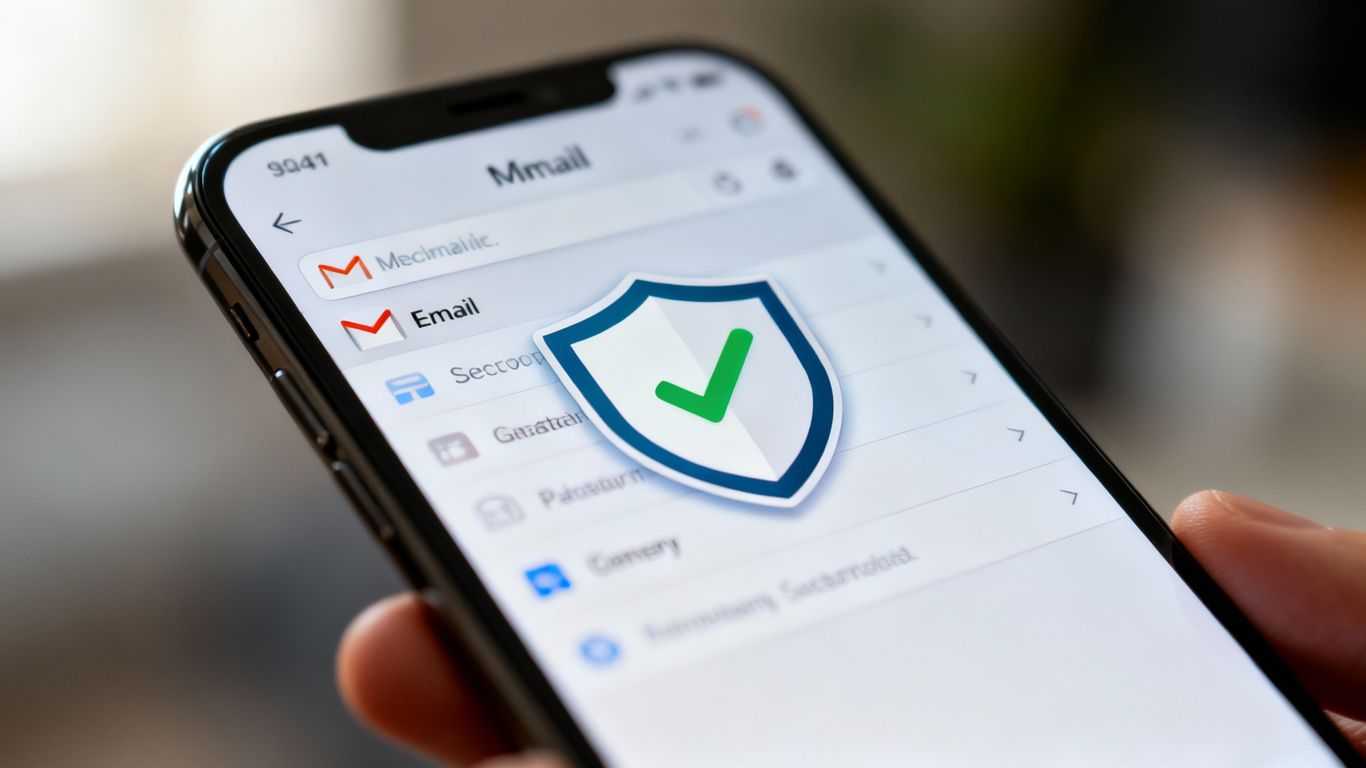
A password vault, private email, and two-step verification, all in one place.
You will be redirected to the official website.
Who was Proton designed for?
Proton is a suite of privacy services from Switzerland that combines, in a single account, a password manager (Proton Pass), encrypted email (Proton Mail), and also a VPN and storage. For those who have lost access to TikTok due to a weak password or a vulnerable recovery email, it's the kind of tool that attacks the problem at its root, instead of just patching up symptoms.
It makes sense especially for those who want to solve access problems once and for all, with unique passwords securely stored and a recovery email that is difficult to compromise. It's not the ideal option for those who only want to clean their device of a virus, because that's the function of an antivirus, nor for those who just want a standalone VPN and nothing more. For that, there are more focused tools. Proton shines when the goal is to completely shield access.
Main benefits
How to begin
The first step is to create an account on the official Proton website and install the application on your mobile phone and computer. There is a free plan to try out the email and password manager, and paid plans that include all services. For TikTok, start by saving a new and strong password for the account in Proton Pass.
Next, set your Proton Mail address as your contact and recovery email on TikTok, and activate two-step verification using the code generated by Proton. Finally, import the passwords from your other accounts into the vault, replacing duplicates with unique combinations. You don't have to do everything in one day. The important thing is that access to TikTok is blocked from the start.
Strengths and limitations
The strongest point is the integration. Having the vault, email, and verification in the same ecosystem reduces friction and increases the likelihood of maintaining the habit, which is what actually protects the account. Proton's reputation for privacy and strong encryption complete the picture for those who take access protection seriously.
Regarding limitations, let's be honest. Proton is not an antivirus and does not replace device protection against malware. The full plan is paid, and those who only want the basics might prefer to stick with the free version or a simpler alternative. And, like any safe, it depends on not losing the main password, so it's worth keeping it safe.
FAQ
Does Proton have a free version?
Yes. The email and password manager have free plans with limits. Paid plans add more storage space, a full VPN, and extra features.
Is it only meant to protect TikTok?
It works for TikTok and any other account. The vault stores the passwords for all services, and the secure email protects the recovery of all of them.
Is it difficult to use for someone who isn't tech-savvy?
The app fills in the passwords for you and guides you through the setup. The concept of a master password and vault is easy to grasp in the first few days.
Does Proton replace antivirus software?
No. It protects access and privacy, but it doesn't scan the device for malware. For that, you need a dedicated antivirus program.
What happens if I forget my main password?
Since the safe is encrypted, recovery has its own rules and may be limited by the design. Therefore, keep the master password in a safe place from the start.
If your TikTok account was compromised due to a weak password or a weak recovery email, Proton solves both problems in one place and even offers two-step verification. It's not a silver bullet for everything, but it's the right solution for those who want to permanently close the door on access. See which plan best suits you on the official website.
You will be redirected to the official website.
The best tools for your account. • How to shield your TikTok login
Sources consulted: Official Proton website (proton.me) and the Portuguese National Cybersecurity Center (cncs.gov.pt).