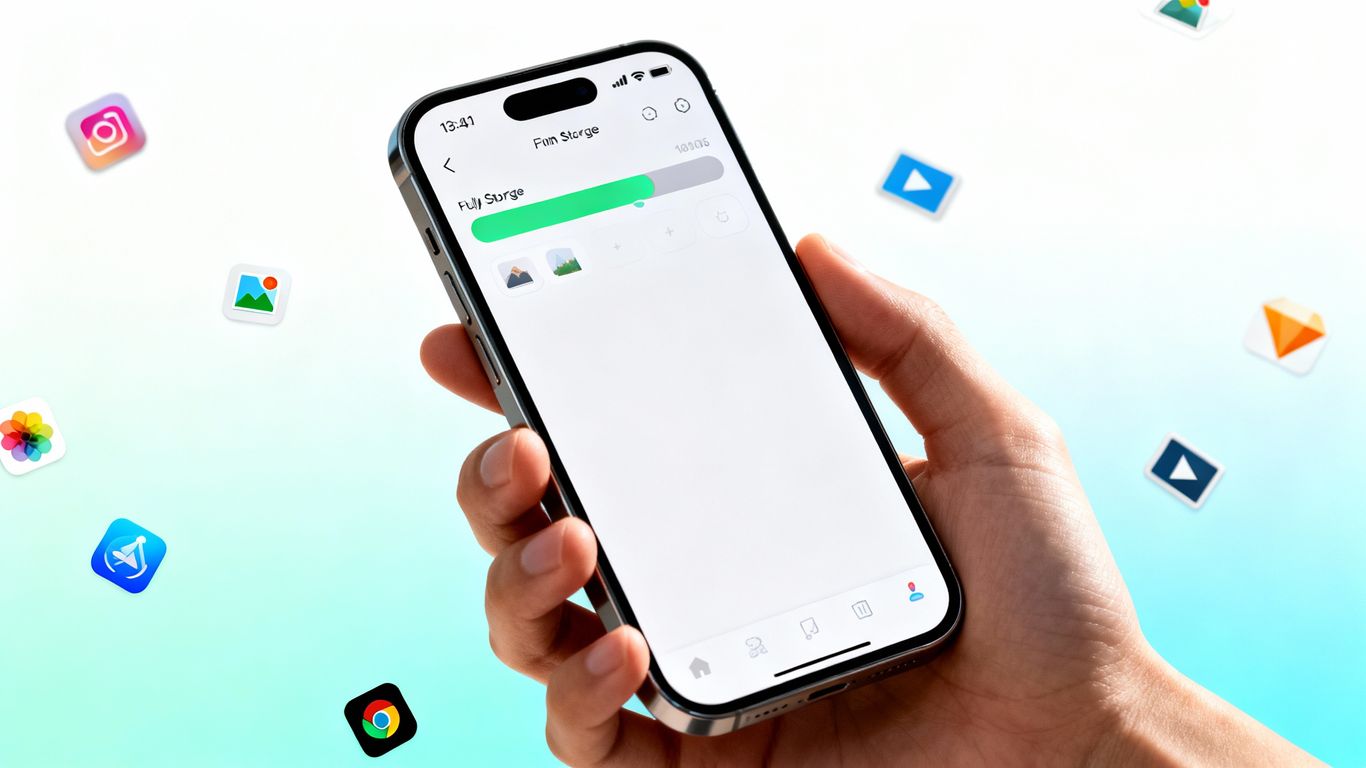
Have you ever seen the "Storage full" message on your phone? It can be very frustrating.
We often have many photos and videos stored. But don't worry, there are ways to optimize storage on your phone without losing those memories.
Managing your phone's storage space and using cloud services are good solutions. In this article, we'll share tips for keeping your phone organized. This way, you'll have room for new memories.
Main Conclusions
- Managing your phone storage is crucial to freeing up space.
- Using cloud services helps keep your memories safe.
- Optimizing your phone's settings can improve performance.
- There are several strategies to free up space without losing important data.
- Keeping your cell phone organized is essential to avoid storage problems.
The problem of limited storage on smartphones
When we capture too many moments, our phones start to fill up. This happens because smartphone storage capacity is still small. They need space for photos, videos, apps, and data.
Why do our phones run out of space so quickly?
High-quality photos and videos are the main cause of running out of storage space. In addition, apps also use a lot of space. Managing storage well is essential to keeping your phone running smoothly.
The importance of preserving digital photos and memories
Preserving photos and digital memories is very important. They capture unique moments in our lives. "A picture is worth a thousand words ." Losing these memories can be very sad. Therefore, it's crucial to find ways to manage storage without losing these memories.
How to free up space on your cell phone photos: effective strategies
If you want to know how to free up space on your phone without losing photos, you've come to the right place. Freeing up space on photos can seem difficult. But there are several strategies that can help.
Identifying what's taking up space on your device
The first step is to understand what's using up space on your phone. To do this, access your storage settings. There, you'll see what's using the most space, such as photos, videos, apps, or other files.
- Check how much space your photos and videos are taking up.
- Identify apps that consume a lot of space.
- Check for unnecessary or duplicate files.
Native tools for managing storage
Android and iOS have tools for managing storage. For example, Google Photos allows you to back up photos and videos. Then, you can delete them from your phone to free up space.
Some native tools include:
- Google Photos: For photo backup and management.
- File manager: To view and delete unnecessary files.
Apps that help you free up space automatically
There are also third-party apps that help free up space. They identify and remove unnecessary files, such as duplicate or low-quality photos.
Some recommended apps include:
- CCleaner: To clean up temporary and unnecessary files.
- Files by Google: To manage files and free up space.
Cloud storage solutions for your photos
Using cloud storage services is a great way to free up space on your phone . Smartphones are essential for capturing important moments. Therefore, cloud storage is a practical and secure solution for saving your photos.
Storing photos in the cloud not only frees up space on your phone. It also allows you to access your photos from anywhere, anytime, with an internet connection. Many services offer advanced features for organizing and managing your photos.
Google Photos: Automatic backup and smart management
Google Photos is very popular for cloud photo storage. It has automatic backups to keep your photos safe and up-to-date. Additionally, Google Photos recognizes faces, places, and objects, making searching for photos easier.
A major benefit of Google Photos is the ability to access photos without storing them on your phone. This is possible thanks to the "Cloud Storage" option.
iCloud: The integrated solution for iPhone users
For iPhone users, iCloud is an easy and integrated solution. It automatically backs up photos and allows access to photos from any Apple device. This is possible if all devices are connected to the same iCloud account.
iCloud also integrates well with other Apple applications. This creates a cohesive and convenient user experience. Furthermore, iCloud makes it easy to share albums and photos with other users.
Other popular cloud storage options in Brazil
In Brazil, in addition to Google Photos and iCloud, there are other popular options. Services like OneDrive and Dropbox offer robust cloud storage. They have features for sharing and collaborating.
Choosing the right cloud storage service depends on your needs. It's important to consider storage capacity, organization and sharing features, and compatibility with your devices.
Organizing and optimizing your photos without losing quality
You can free up space on your phone without losing your digital memories. Organizing and optimizing your photos is a big help. This keeps your device running smoothly and makes it easier to find your favorite photos.
Creating albums and categories for better organization
Creating albums and categories is a great way to organize photos. You can divide photos by events, dates, or locations. Use descriptive names for your albums to make them easy to identify.
Image Compression: How It Works and When to Use It
Image compression reduces file size. This saves space on your phone. There are two types: lossless and lossy . Lossless compression maintains quality, while lossy compression reduces the size of large files.
Apps to optimize photos without visible loss of quality
There are apps that optimize photos without significantly sacrificing quality. They use algorithms to reduce file size. Look for apps that offer lossless compression.
Converting file formats to save space
Converting file formats helps save space. Some formats, like JPEG, are more compact. Check if the format supports the quality you need . Use conversion tools that preserve image quality.
By following these tips, you can organize and optimize your photos. This frees up space on your phone without losing the quality of your digital memories.
Advanced application and temporary file management
To free up space on your phone, it's essential to manage apps and temporary files well. This includes removing apps you don't use, clearing cache, and preventing files from accumulating automatically.
Identifying and removing space-hogging apps
To find out which apps are consuming the most space, go to your phone's settings. Choose "Applications" or "Application Management." There, you'll see the size of each app. Remove the ones you don't use much.
- Check which apps are consuming the most space.
- Uninstall unnecessary applications.
- Consider replacing large applications with lighter alternatives.
Clearing cache and temporary files on different systems
Clearing cache and temporary files keeps your phone tidy. On Android, go to "Settings" > "Storage" > "Cached Data." On iOS, clear the cache within each app. There are also app-cleaning apps in the app store.
Important: Clearing the cache may delete preferences or temporary data. But it generally does not affect important data.
Transferring apps and data to SD card (when possible)
If your phone has an SD card slot, transfer apps and data to it. This frees up space on the internal memory. On Android, go to "Settings" > "Applications" and choose the app to transfer. Then select "Move to SD card."
Settings to prevent automatic file accumulation
To prevent files from accumulating, adjust your phone's settings. For example, save email attachments to the SD card. Or set apps to download data only on Wi-Fi.
- Review your app download settings.
- Set the SD card as the default storage location if possible.
- Disable automatic download of attachments or other data.
Conclusion
By following these tips, you'll free up space on your phone effectively. This keeps your device running smoothly. Managing storage is essential to avoid problems and safeguard your photos and videos.
Identifying what's taking up space and using tools or apps can be very helpful. Solutions like Google Photos and iCloud provide automatic backups. They also help you manage your photos intelligently.
Organizing photos into albums and compressing images are good strategies. Converting file formats also helps save space. With these tips, your phone will work better and your photos will be safe.
FAQ
Why does my phone run out of space so quickly?
Your phone can run out of storage for a variety of reasons. Photos, videos, and app data are big users. Additionally, apps that cache data can also take up a lot of space.
How can I identify what is taking up space on my phone?
To find out what's taking up space, use your phone's storage manager. There are also apps that help you analyze and manage space.
What are the best cloud storage options for my photos?
For cloud storage, Google Photos and iCloud are great. In Brazil, there are other options that offer automatic backup and smart management.
How can I optimize my photos without losing quality?
To optimize photos, compress them, change the file format, and use apps that maintain quality. Organizing photos into albums and categories also helps a lot.
How can I manage temporary apps and files to free up space?
Manage apps and temporary files by removing apps that consume a lot of space. Clearing cache and temporary files helps a lot. Configure your settings to avoid accumulating unnecessary files.
Can I transfer my apps and data to an SD card to free up space?
Yes, it's possible to transfer some apps and data to an SD card. However, make sure your phone supports this.
What are the main strategies for freeing up space on my cell phone?
To free up space, identify and remove unnecessary data. Use cloud storage, optimize photos, and manage apps and temporary files. Keeping your phone organized and up-to-date also helps a lot.