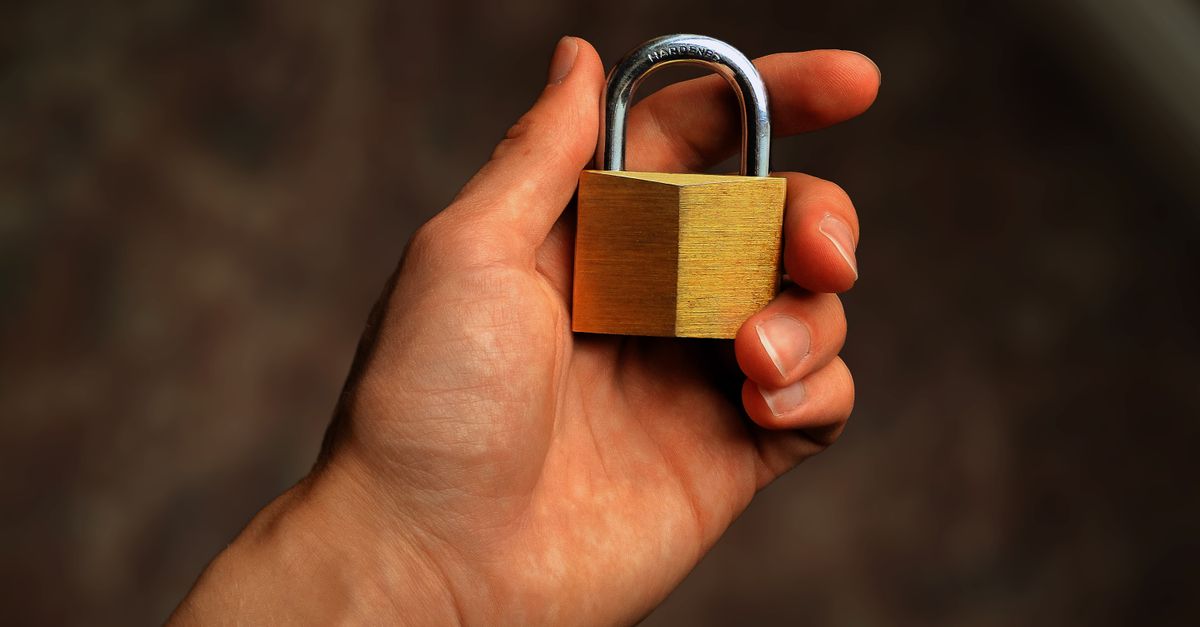
Compare the features of Keeper Security before choosing a security manager.
Who is this tool designed for?
Keeper Security is ideal for those who need advanced features to protect passwords. It's a frequent choice for IT professionals, business teams, and home users who value advanced features such as encrypted storage of sensitive files (documents, photos of identification documents, digital certificates) in addition to traditional passwords.
Families who want to securely share common passwords (Wi-Fi, streaming, shopping websites) will also find a clear structure in the family plan, with individual safe deposit boxes and a shared area. The 'emergency access' feature allows a designated family member to access the safe deposit box after a waiting period, useful in cases of disability or death.
It's not the cheapest option on the market, and the free plan is limited in features. For those who only want to store 10 or 20 passwords, the free alternatives are better.
Main benefits
How to begin
The subscription is done on the official website. Choose between the individual, family, or business plan, make the payment, and create your account with your email and main password. The main password must be long and unique. Write it down in a safe place because it cannot be recovered (this is what guarantees the security of the vault).
After registering, install the extension in your daily browser and the app on your mobile phone. Importing passwords already saved in your browser is assisted: it exports them to CSV and imports them directly. The entire process takes between 20 and 40 minutes the first time.
Also configure two-factor authentication to open the safe. Without 2FA, even the best manager is vulnerable to anyone who discovers your master password. Keeper accepts authenticator apps and physical keys (FIDO2).
Strengths and Limitations
Strengths: publicly audited encryption, file vault with password protection, secure team sharing, broad cross-platform support, included leak monitoring, emergency access.
Limitations: price above the segment average (especially in the complete plans); free plan limited to a single device; the interface has a learning curve for those who have never used a device manager (many features, multiple screens).
 Product image. Source: Keeper Security.
By clicking, you will access the official Keeper Security website.
FAQ
Can I try Keeper before subscribing?
Yes, Keeper offers a free trial period (usually 30 days) with full access to all paid features. This is enough time to import your passwords, test the interface, and decide if it's worth subscribing.
Has the company ever suffered a data breach?
Keeper's zero-knowledge architecture means that even if a server breach were to occur, the data would be encrypted and unreadable without the user's master password. The company publishes audit reports periodically.
Does it work offline?
Yes. The vault is stored locally on the device and works offline. It's the synchronization between devices that requires a connection. You can access and use your passwords even in airplane mode.
Can I import from Google or another import manager?
Yes. Keeper accepts direct imports from Chrome, Firefox, Safari, LastPass, 1Password, Bitwarden, and Dashlane, among others. The wizard guides you through the process, which usually takes only a few minutes.
Is it worth it for personal use only?
It's worthwhile if you have many accounts (more than 50), need to store sensitive files in addition to passwords, or want features like emergency access. For simpler personal use, free alternatives like Bitwarden may suffice.
For those seeking a robust password manager with professional features and a proven security architecture, Keeper Security is one of the most solid options on the market. Visit the official website to learn about the plans and current pricing.
You will be redirected to the official website.
Still have doubts? Compare with other options analyzed:
Sources consulted: official Keeper Security documentation (keepersecurity.com), third-party audit reports, NIST guidelines (nist.gov).